
PromptSpectra
August 10, 2026
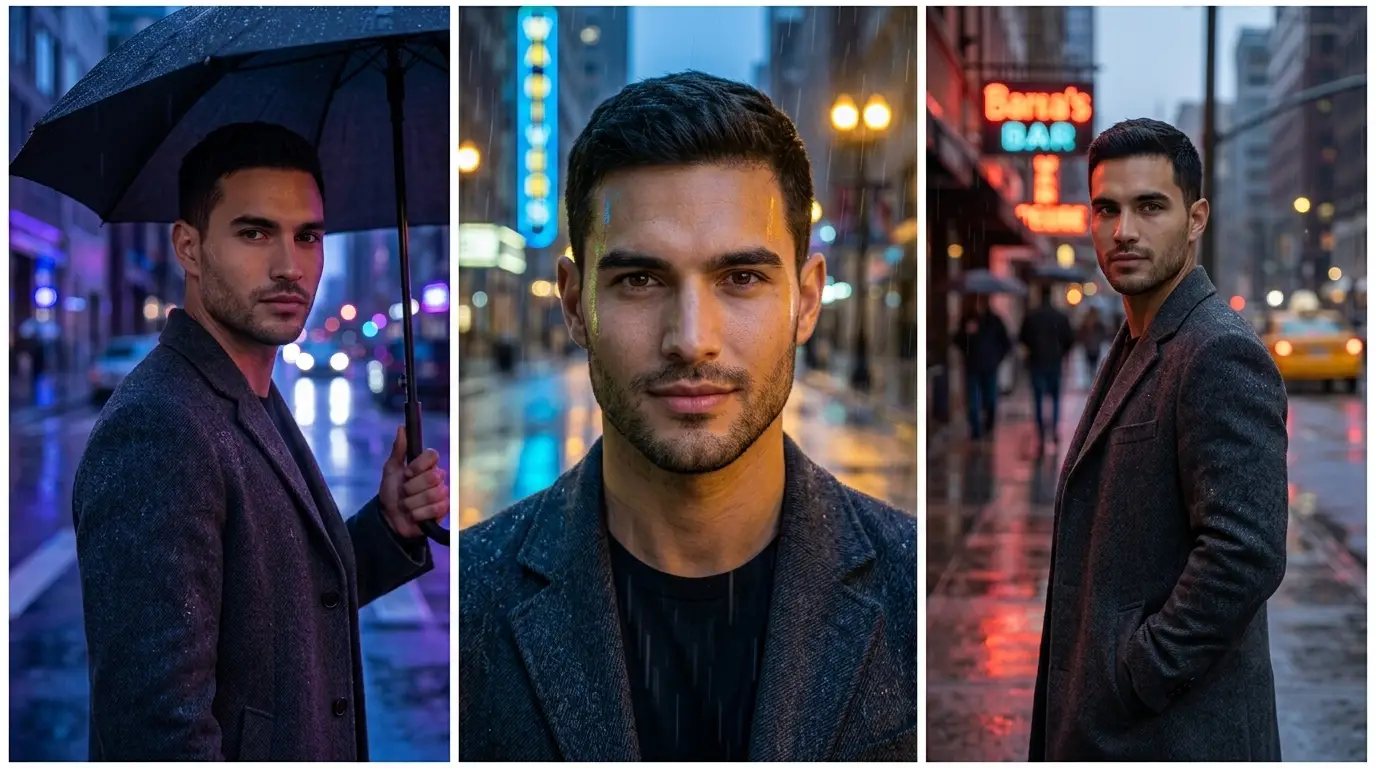
If you've tried generating images with more than one AI tool, you've probably noticed something confusing: the same prompt can produce wildly different results depending on whether you're using Gemini, Leonardo AI, or ChatGPT. That's not a bug — it's because these three tools are built around different priorities, and picking the wrong one for your task usually means wasted time re-prompting instead of creating.
This guide compares all three head-to-head, with real prompt examples from each, so you can skip the trial-and-error and pick the right tool the first time.
If you just need the short version: Gemini is best for realistic, reference-based edits (like preserving a face or pose). Leonardo AI is best when you want precise control over style, aspect ratio, and consistent output across multiple images. ChatGPT is best for fast, casual brainstorming where speed matters more than precision.
Best for
Free tier
Aspect ratio control
Reference image support
Iteration speed
Learning curve
Gemini has become one of the strongest free tools for photorealistic image generation, particularly when you're starting from a reference photo. If your goal is to preserve a specific face, pose, or composition while changing the setting, lighting, or style around it, Gemini handles that more reliably than most competing tools.
The trade-off is precision. Gemini leans on natural-language description rather than technical parameters, so you're telling it what you want in plain sentences instead of adjusting sliders or aspect-ratio flags. That makes it very approachable for beginners, but slightly less predictable when you need pixel-exact output.
Where Gemini wins: portrait realism, likeness preservation, quick edits to existing photos, natural language flexibility.
Where it falls short: fine-grained technical control, consistent aspect ratios across a batch of images.
Here's a real example of what a strong reference-based Gemini prompt can produce:
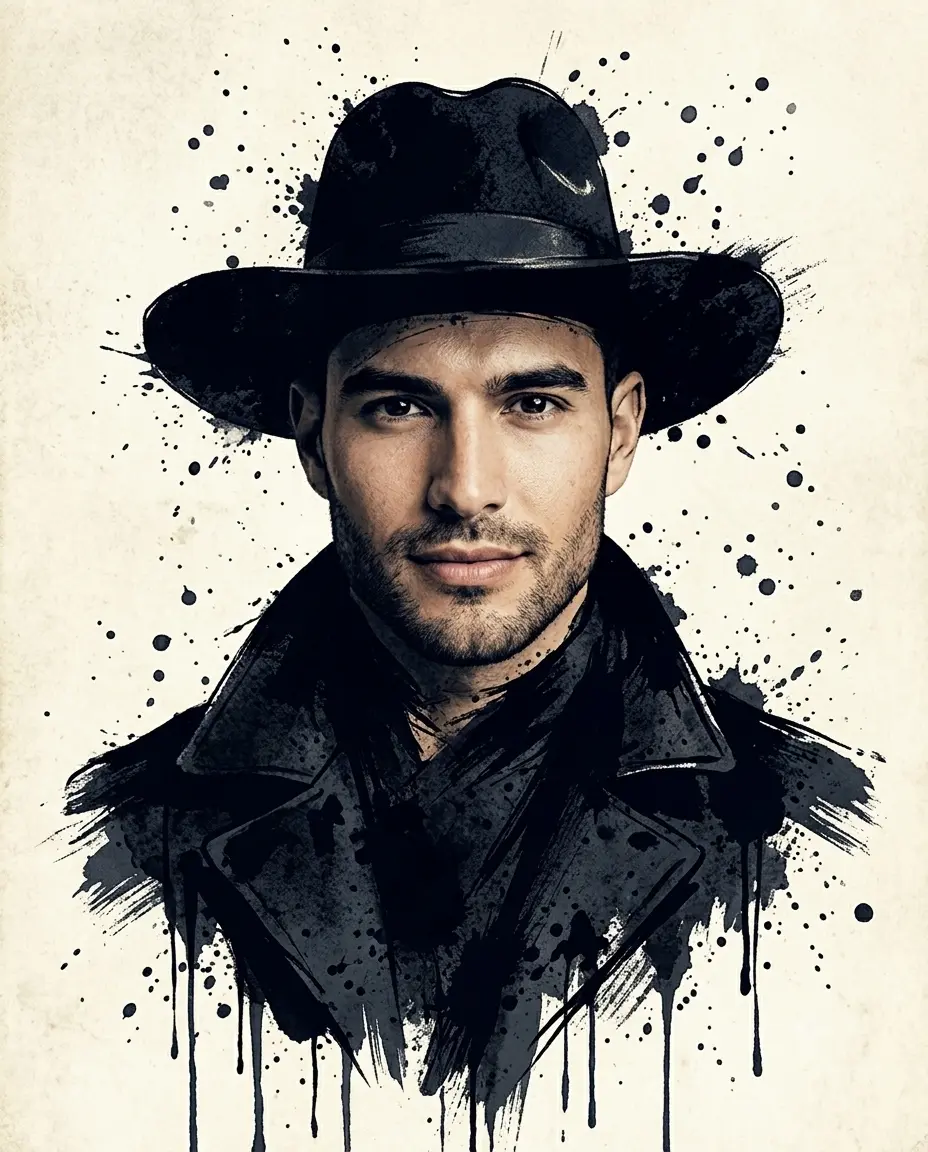
A striking mixed-media portrait blending a realistic face with a textured black ink-splatter hat and coat, dripping ink streaks, and a moody cream parchment background.
Leonardo AI is built for a different kind of user — one who wants fine-grained control over the final output rather than a quick, loose interpretation of a prompt. Dedicated aspect-ratio presets (including social-specific ones like Instagram's 4:5 or Pinterest's 2:3), multiple selectable underlying models, and a daily-resetting credit system on the free tier make it a strong choice for anyone producing a consistent volume of images — think product shots, mood boards, or a batch of portraits that need to match stylistically.
Leonardo particularly shines in editorial and stylized work: interior design concepts, product photography mockups, and portraits with a specific, deliberate art direction. If you already know the "look" you're chasing and want to dial it in precisely rather than hope the model guesses right, Leonardo gives you the actual controls to do that.
Where Leonardo wins: aspect ratio precision, style consistency across multiple images, editorial/product aesthetics.
Where it falls short: photorealistic reference-image editing (Gemini is stronger here), casual quick iteration.
A good example of Leonardo's editorial strength:
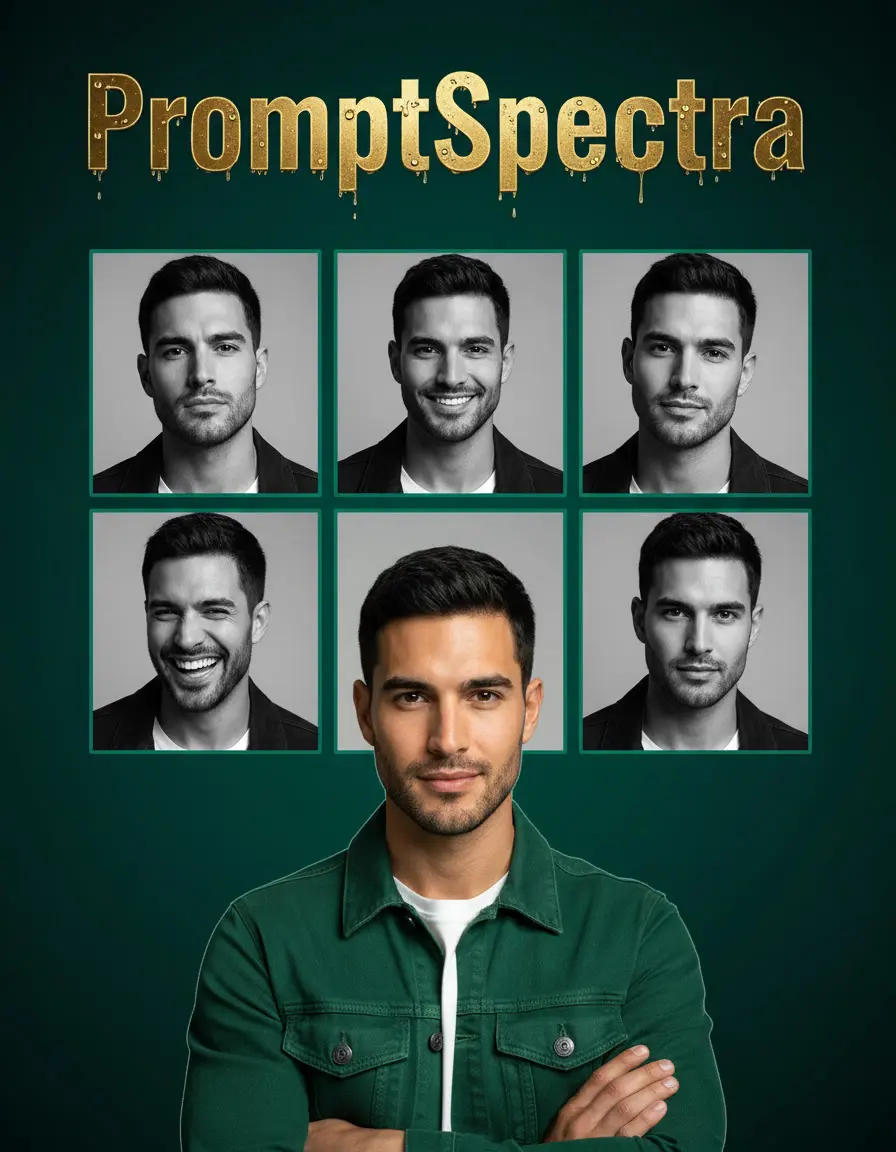
A dramatic emerald-and-gold tribute poster with glistening water-droplet-covered metallic gold title text (wet sheen, light refraction, drip trails), a black-and-white 6-panel collage grid of expressions, and a bold full-color foreground portrait.
ChatGPT's built-in image generation is the most accessible of the three — if you're already using ChatGPT for other tasks, there's no separate tool to learn. The conversational interface makes iteration genuinely fast: "make the lighting warmer," "add a second subject," "change the background to a rooftop" — each tweak happens in the same thread, no re-typing the whole prompt from scratch.
It tends to fall behind Gemini and Leonardo on photorealism and precise technical control, and it doesn't handle reference images as reliably as Gemini does. But for fast concept exploration, thumbnail ideas, or quick visual drafts before committing to a more controlled tool, it's genuinely useful — and often the fastest of the three from prompt to result.
Where ChatGPT wins: speed, conversational iteration, low learning curve, no separate account needed if you already use ChatGPT.
Where it falls short: photorealism, precise aspect ratio and technical control, reference-image fidelity.
Here's an example prompt and result using ChatGPT's image generation:

A cinematic full-body studio portrait in a monochromatic brown outfit, seated against a matching brown backdrop with dramatic geometric shadow patterns cast across the face and body.
Many creators — including the prompts featured on this site — don't commit to just one tool. It's common to sketch an idea quickly in ChatGPT, refine the composition and style in Leonardo, then use Gemini for a final realism pass on a reference image.
Is Gemini better than ChatGPT for image generation? For realism and reference-based edits, yes — Gemini generally produces more accurate, photorealistic results. For speed and casual brainstorming, ChatGPT is faster to iterate with since everything happens in one conversational thread.
Is Leonardo AI free to use? Leonardo AI offers a free tier with daily credits that reset each day. It's enough for casual use, though heavier or professional use typically requires a paid plan for more generations and faster processing.
Which AI image tool gives the most control over aspect ratio? Leonardo AI. It has dedicated presets for common formats (square, portrait, widescreen, and social-specific ratios), while Gemini and ChatGPT rely more on natural-language description, which is less exact.
Can I use a reference photo with all three tools? Gemini handles reference images most reliably, especially for preserving a face or pose. Leonardo AI supports reference images with good results. ChatGPT's reference-image handling is the weakest of the three.
Which tool is best for beginners? ChatGPT has the lowest learning curve since it's fully conversational — you describe changes in plain language and it adjusts. Gemini is also beginner-friendly. Leonardo AI has more settings, which means more control but a slightly steeper learning curve.
Do I need to pay for any of these tools to get good results? No — all three have usable free tiers. Paid plans mainly unlock higher generation volume, faster processing, and in Leonardo's case, access to more advanced models.
Every prompt shown in this post — plus dozens more across Gemini, Leonardo AI, and ChatGPT — is available in our prompt library, free to copy, with the exact settings used for each result.